Image Types
Images on the web come in many different types. Three common types are PNG, JPG/JPEG, and GIF.
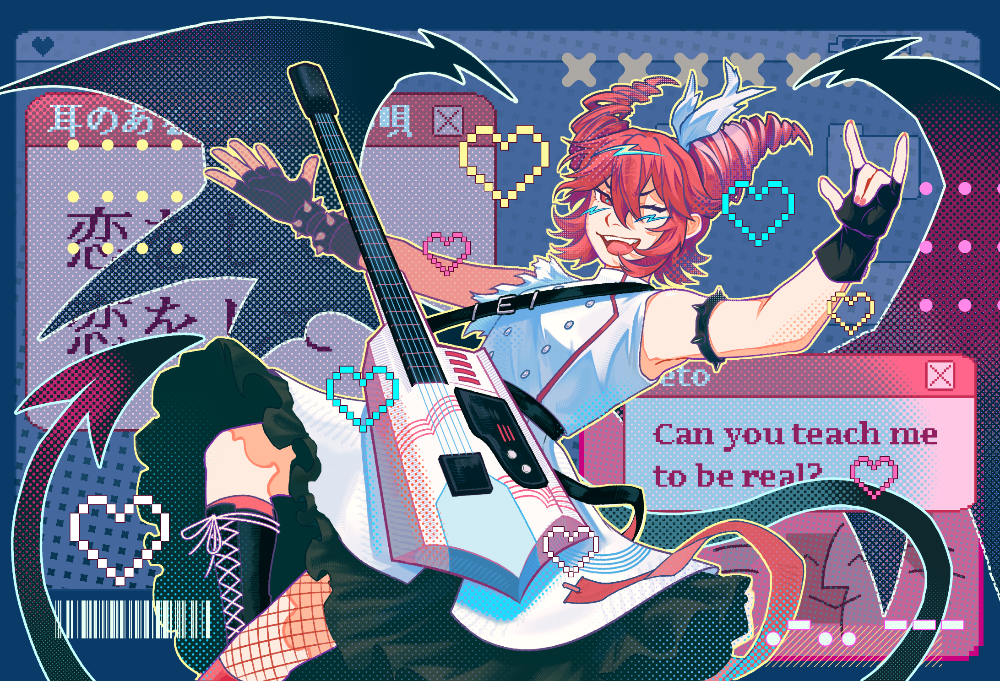


Thumbnails & Image Resizing
For performance reasons, images may be resized before being embedded onto websites.
However, there are ways of allowing users to access the full image, if they so choose. One such option is to have the full image open in a new window, as seen below.

Text Wrapping Around Images

Here, we can observe an image being wrapped around text. This is achieved via a "float" property in CSS. In this particular case, we float the image using:
float: left;
Additionally, were the text not long enough, the image would also "float" above the background containers, not dissimilar to how an image set to wrap text would appear in something like a Google/PowerPoint presentation.
To ensure there's enough space for the image to be fully wrapped by text along its right side, the following is filler text. Lorem ipsum dolor sit amet consectetur adipisicing elit. Doloribus consectetur neque sit velit? Debitis deleniti placeat, sunt autem assumenda sequi. Quod placeat facere ducimus voluptatem vitae eum doloremque sunt sapiente!
Other Media: Audio & Video
HTML allows the embedding of other forms of media as well, such as audio tracks and videos. Like images, audio and video files have dedicated tags, and involve a required "src" attribute that dictates what type of image/audio track/video is being embedded. Additionally, for video and audio in particular, a 'type' attribute is needed to tell the browser the format of the media, as audio and video come in a wide variety of formats that may not necessarily be supported uniformly on every browser.
Additionally, it is possible for YouTube videos in particular to be embedded using an element known as an 'iframe'. The video below, however, uses the 'video' element tags, and a 'loop' attribute to keep the video looping after the user presses play.
The following audio track is from lorenzobuczek on Pixabay, and the video is from Anna Bondarenko on Pexels.