HTML
HTML stands for HyperText Markup Language. It creates the structure and content of a webpage.
HTML can create:
- Headings
- Paragraphs
- Links
- Images
- Lists
- Tables
- Forms
BEGINNER WEB DEVELOPMENT
A simple guide to learning how websites work. Explore HTML, CSS, web design, and some of the projects I created while learning web development.
Start Learningindex.html
<h1>Hello World!</h1>

<p>
  My first website.
</p>
ABOUT
CodeCraftDevs is a website I created to explain some of the basic ideas behind web development.
When I started learning HTML and CSS, I found that the easiest way to understand them was by actually creating websites. This site shares some of those concepts in a simple way.

LEARN
Most websites start with HTML and CSS. They work together, but they have different jobs.
HTML stands for HyperText Markup Language. It creates the structure and content of a webpage.
HTML can create:
CSS stands for Cascading Style Sheets. It controls how the HTML content looks.
CSS can control:
A website also needs to be easy for visitors to understand and use.
Good websites should be:
| Feature | HTML | CSS |
|---|---|---|
| Main Purpose | Page structure | Page appearance |
| Example | <h1> | color: blue; |
| Controls | Content | Design |
| File Type | .html | .css |
HTML5 MEDIA
HTML5 allows developers to place video and audio directly inside webpages.
The video element below uses the controls attribute, which allows users to play, pause, adjust volume, and move through the video.
PROJECTS
These examples represent some of the web-development skills I practiced.
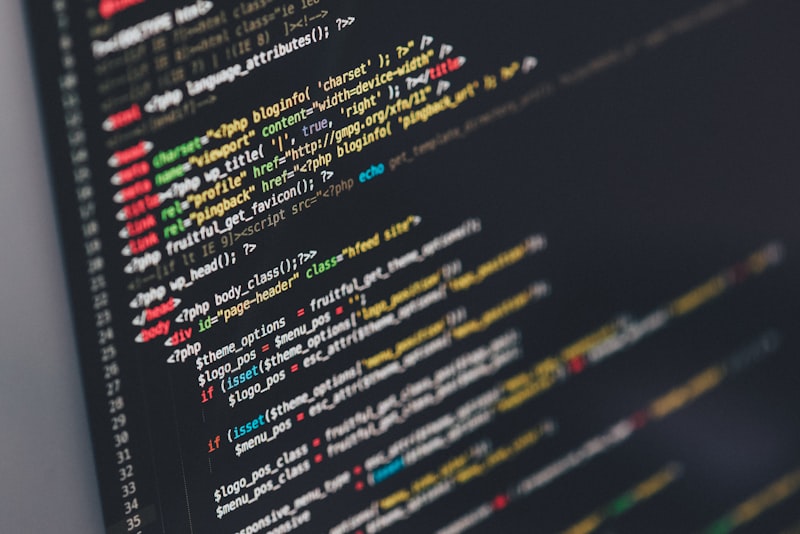
A webpage using headings, paragraphs, links, images, and lists.

A project practicing tables, rows, columns, captions, and CSS formatting.

A project practicing forms, input fields, buttons, and responsive layouts.
MY PROCESS
Decide what the website is about.
Create the structure and content.
Style the colors, layout and text.
Check links, forms and different browsers.
CONTACT
Have a suggestion for CodeCraftDevs? Use this example form to share your thoughts.
This form is for demonstration purposes and does not send information to a server.