1. Three Image File Types
JPG Image
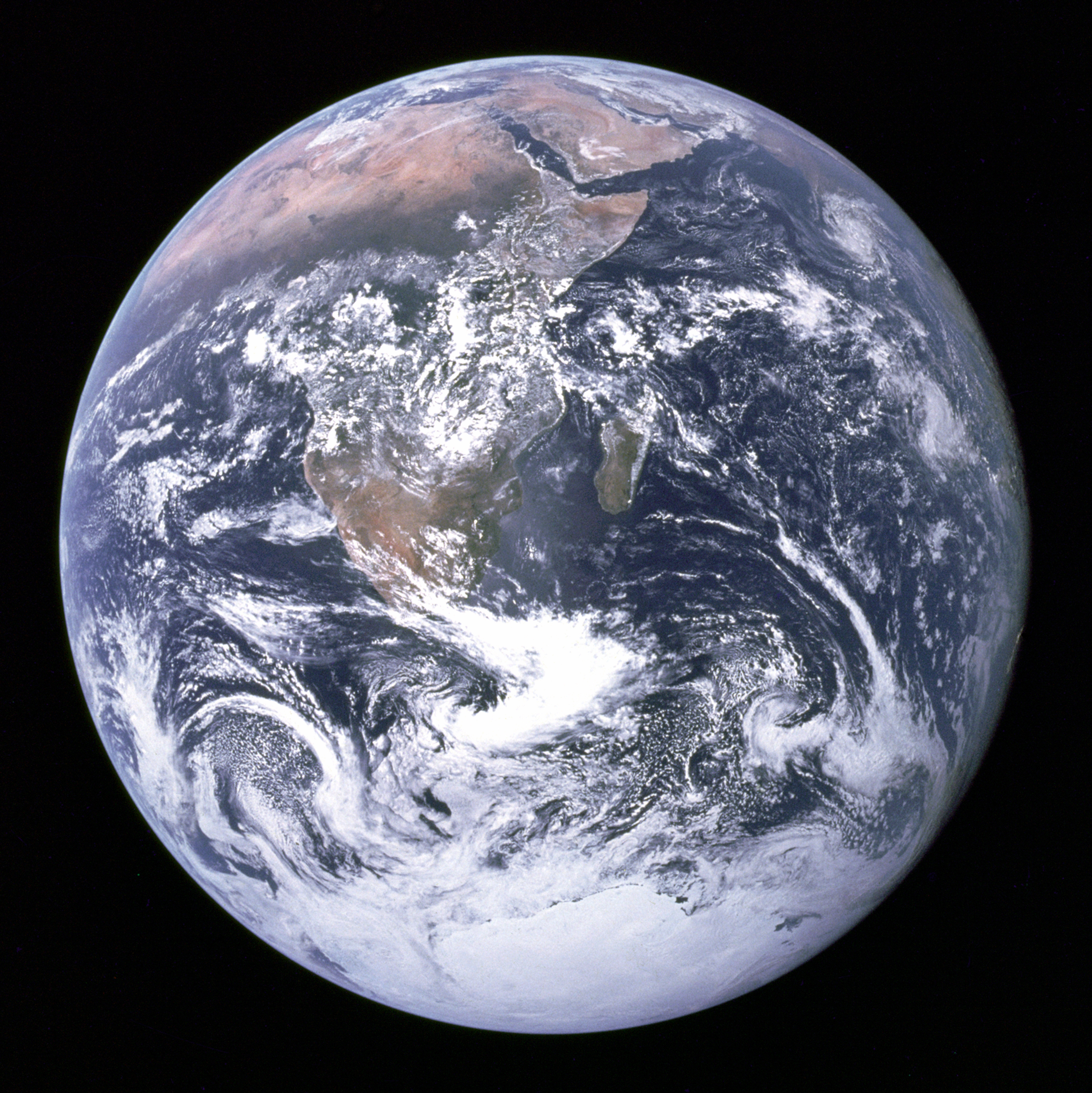
File type: JPG
JPG is commonly used for photographs because it can display many colors while keeping the file size smaller.
NASA image, public domain, from Wikimedia Commons.
PNG Image

File type: PNG
PNG is useful for logos and graphics because it keeps sharp edges and can support transparent backgrounds.
NASA logo, public domain, from Wikimedia Commons.
GIF Image

File type: GIF
GIF images can contain simple animations that repeat automatically without using a video player.
Public-domain animation from Wikimedia Commons.
2. Image Aligned with Text

This image is aligned on the left side of the page. The text wraps around the image because the CSS float property is being used.
The image also has a border, padding, and margin. Padding creates space between the picture and its border. Margin creates space between the image and the surrounding text.
Alternate text is important because it describes the image for people using screen readers. It can also appear when an image cannot load correctly.
Mars image from Wikimedia Commons.
3. Custom Image Bullets
This list uses the CSS list-style-image property.
- JPG is commonly used for photographs.
- PNG works well for logos and transparent graphics.
- GIF can display simple animation.
- Alternate text makes images more accessible.
- Smaller images help web pages load faster.
4. Audio
The player below uses the HTML audio element and includes visible controls.
CC0 audio example from MDN Web Docs.
5. Video
The player below uses the HTML video element and includes play, pause, volume, and full-screen controls.
CC0 video example from MDN Web Docs.